
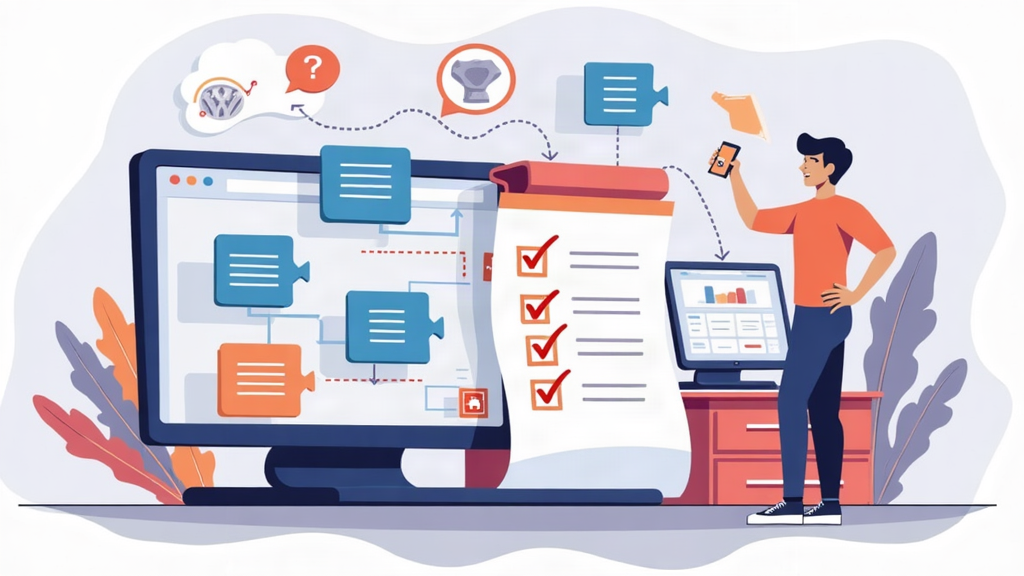
WordPress website development has become increasingly popular among individuals and businesses seeking an online presence. As the leading platform that powers over 40% of all websites worldwide, it offers unparalleled flexibility and ease of use. This guide delves into the essential steps for successful WordPress website development, emphasizing critical aspects such as WordPress design and effective SEO for WordPress. From selecting the right domain name to choosing the best plugins, our content covers successful website tips that will elevate your digital strategy. Whether you’re prepping for a website launch or ongoing website maintenance, mastering WordPress is your pathway to creating an engaging online experience.
Creating a website using WordPress encompasses various stages that cater to both novices and seasoned developers alike. This digital platform stands out for its robust capabilities in crafting customized web solutions that resonate with users. Throughout this exploration of web development with WordPress, we will walk you through essential practices such as integrating vital plugins, optimizing for search engines, and focusing on content creation. By harnessing effective strategies to enhance your site’s responsiveness and user experience, you can ensure your digital presence is impactful. As we navigate through these steps, you’ll learn how to maintain an engaging site that continually captures your audience’s attention.
Understanding the Framework of WordPress Website Development
WordPress website development begins with a solid understanding of the platform’s framework. This open-source content management system (CMS) is built on PHP and MySQL, enabling users to create custom website solutions tailored to their specific needs. Whether you are aiming to create a simple blog or a complex eCommerce site, comprehending the underlying architecture of WordPress can significantly impact your development process. Familiarize yourself with WordPress themes and plugins, which are integral parts of the development experience that enhance functionality and design.
Aside from the technical aspects, it is crucial to align your website development efforts with your overall digital strategy. Consider how your site will fit into your marketing plans. For instance, integrating effective SEO techniques from the get-go can enhance your site’s visibility and drive organic traffic. As WordPress offers numerous plugins specifically designed for SEO, exploring these options early in your development journey can help avoid complications later.
Choosing the Right WordPress Theme for Your Site
Selecting an appropriate WordPress theme is vital to your website’s success. The theme dictates not just the aesthetic appeal, but also the usability and user experience. When browsing through themes, consider responsiveness—ensuring your site looks impressive on all devices, from desktops to mobile smartphones. A responsive design is not just a nice feature; it’s a necessity for SEO and user engagement, as search engines rank mobile-friendly sites higher.
Moreover, customization options are equally important. Look for themes that offer flexibility in layout and design. Many themes allow for drag-and-drop editing, which can simplify the process of tailoring your site’s appearance to better suit your branding. Regular updates and support from theme developers also ensure that your site will remain functional and secure over time, a key aspect of effective WordPress maintenance.
Essential Plugins to Enhance Your WordPress Functionality
WordPress plugins are essential tools that enhance the functionality of your website. Selecting the right plugins can significantly optimize user experience while improving your website’s performance. For instance, Yoast SEO is a must-have for effective SEO optimization, guiding you in crafting content that attracts and retains visitors. Other essential plugins include Wordfence for bolstering security and WP Super Cache for improving site speed, ensuring that your users have a seamless browsing experience.
When installing plugins, it is important to evaluate their compatibility with your theme and other installed plugins to prevent conflicts. Always check for user ratings and reviews, as they can provide insight into the plugin’s reliability and functionality. Regularly updating your plugins is also crucial—outdated plugins can lead to security vulnerabilities that threaten your website’s integrity.
Creating Engaging Content for Your WordPress Site
Content is the heart of any successful WordPress website. Creating high-quality, engaging content that resonates with your target audience is essential for driving traffic and encouraging interaction. Establish a consistent brand voice that reflects your identity across all posts, helping to build trust and familiarity with your audience. Additionally, incorporating multimedia elements, such as videos and infographics, can greatly enhance user engagement and retention on your site.
Moreover, optimizing your content for SEO techniques is crucial. Use relevant keywords strategically to ensure your content is discoverable in search engines. Implement headings properly, include internal links to guide users to other valuable content on your site, and always optimize images with alt text for improved accessibility and SEO benefits. Consistent content creation will not only keep your audience returning but also signal search engines that your site is active and worth ranking.
Launching and Maintaining Your WordPress Website Successfully
The process of launching your WordPress website is a culmination of thorough preparation and testing. Before going live, ensure every aspect of your site functions correctly—check for responsive design, broken links, and load speeds. A well-timed launch will make a significant difference in gathering initial traffic, so plan your announcement strategically across social media platforms to maximize exposure and engagement.
Post-launch maintenance is just as critical as the launch itself. Utilize tools like Google Analytics to track your site’s performance and user behavior. Regularly update WordPress core, themes, and plugins to maintain security and functionality. Consistently adding fresh content and revisiting SEO strategies not only keeps your audience engaged but also ensures your site adapts to changing digital landscapes.
Frequently Asked Questions
What are essential tips for successful WordPress website development?
To ensure successful WordPress website development, begin with a clear understanding of your website requirements, choose a memorable domain name, and select a reliable hosting provider. Install WordPress and pick a responsive theme that fits your niche. Enhance functionality with key plugins, focusing on SEO, security, and performance. Consistently create quality content, optimize it for SEO, and monitor site performance regularly to maintain success.
How can I optimize my WordPress website for SEO effectively?
To optimize your WordPress website for SEO, start with keyword research to find relevant terms for your niche. Utilize plugins like Yoast SEO to guide you in on-page SEO optimization, including titles, meta descriptions, and headers. Incorporate internal linking to enrich user experience and structure content effectively. Regularly update your content and leverage analytics tools to refine your SEO strategies based on performance data.
What are the must-have WordPress plugins for a successful website?
Essential WordPress plugins for a successful website include Yoast SEO for search engine optimization, Wordfence Security for robust security measures, WP Super Cache to improve loading speeds, and UpdraftPlus for reliable backups. Other useful plugins can enhance functionality and user experience, so select according to your website’s specific needs.
What should I consider when launching my WordPress website?
Before launching your WordPress website, ensure all elements are fully tested, including responsiveness across devices, the functionality of links, and page load speed. Double-check your SEO settings, remove any placeholder content, and prepare a launch announcement to promote your website on social media and to your network to attract initial visitors.
How important is content creation in WordPress website development?
Content creation is vital in WordPress website development as it drives user engagement and search engine traffic. Focus on creating high-quality, relevant content that resonates with your audience. Use a consistent brand voice, optimize it for search engines with relevant keywords, and incorporate multimedia elements to enhance user interaction. Regularly updating and enriching your content keeps your website fresh and relevant.
| Step | Key Actions |
|---|---|
| 1. Understand Your Website Requirements | Define your website’s purpose, target audience, and necessary features. |
| 2. Choose a Domain Name and Hosting Provider | Select a unique domain name and a reliable hosting provider suitable for your traffic and budget. |
| 3. Install WordPress | Log into your hosting and install WordPress via the hosting control panel. |
| 4. Choose a Theme | Pick a responsive theme with customization options that suits your content needs. |
| 5. Install Essential Plugins | Add plugins for SEO, security, and backups like Yoast SEO and Wordfence. |
| 6. Create Quality Content | Focus on engaging content, optimize with SEO, and use multimedia elements. |
| 7. Optimize for SEO | Implement SEO strategies including keyword research and on-page optimization techniques. |
| 8. Test Your Website | Ensure responsiveness, proper link functioning, and check page load speed. |
| 9. Launch Your Website | Finalize content, adjust settings and announce your launch on social media. |
| 10. Monitor and Maintain Your Site | Utilize analytics, update regularly and continue producing quality content. |
Summary
WordPress website development is an essential process for anyone looking to establish a strong online presence. This comprehensive guide provides a step-by-step approach to ensuring success in your development journey. From understanding your needs and selecting a domain, to refining your SEO strategies and maintaining your site post-launch, each step is crucial in building an effective WordPress website. By following these guidelines, you can create a platform that not only looks good but also functions optimally, engages your audience, and ranks well on search engines. Start implementing these strategies today to harness the full potential of WordPress for your website!
Introducing Autowp, the ultimate AI content generator and AI content creator plugin for WordPress! Enhance your website’s content effortlessly with cutting-edge AI technology that produces high-quality articles, blog posts, and more in seconds. Ideal for both novices and seasoned professionals, Autowp streamlines your writing process, allowing you to focus on creativity and engagement. Don’t miss out on this powerful tool to elevate your content strategy! To remove this promotional paragraph, upgrade to Autowp Premium membership.